
Elisa and Suze´ talk about the good, bad, and ugly of the iOS 6 update. Unfortunately, Vicki’s work and personal schedule got in the way of recording this week.
Read More
Elisa and Suze´ talk about the good, bad, and ugly of the iOS 6 update. Unfortunately, Vicki’s work and personal schedule got in the way of recording this week.
Read More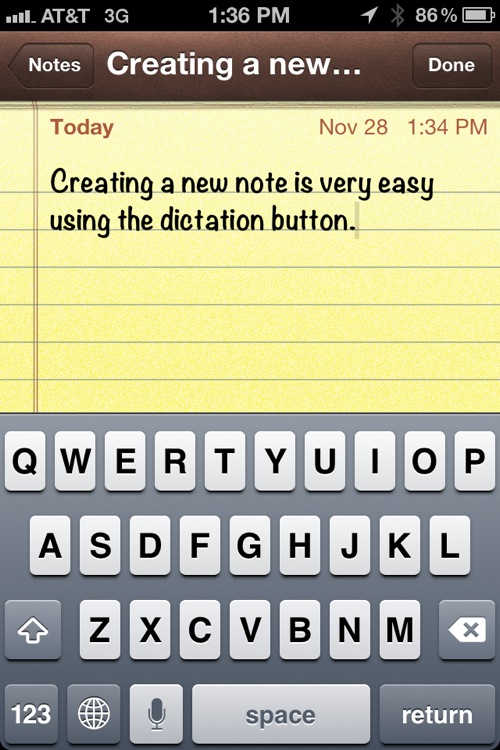
Much of the recognition with Siri on the new iPhone 4S is its ability to schedule meetings, set timers and reminders, and come up with some pretty humorous responses to off the wall questions. What hasn’t gotten a lot of press is one of the more powerful tools Siri’s voice-cognition capabilities offers to users of the iPhone 4S.
Read More
When reviewing these books I tend to look for what has been omitted. In this case every aspect of the new Mac OS X Lion operating system was looked at, in as fine detail as a pocket guide format will allow. Networking, backup, and security are areas that are often overlooked in similar books. In this case the information provided is extremely detailed.
Read More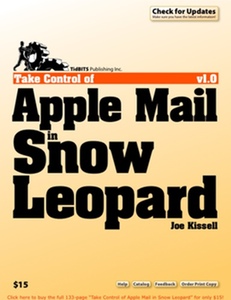
Take Control of Apple Mail in Snow Leopard is 133 pages, and covers every conceivable aspect of Apple’s Mail application. The book walks you through setting up accounts, reading and searching messages, address and contact handling, sending email, encryption and signed email options, managing mailboxes, synchronizing mail across multiple devices, and many more Mail related topics.
Read More
For the first few years that I was using a Mac, I used Claris Emailer, versions 1 and 2, which quickly became my email program of choice. In 1998 when Apple lost interest in Emailer, I searched around for a replacement and found PowerMail 2.0.3 by CTM Development.

MailPlane makes working with Gmail accounts through the web as smooth and comfortable as dealing with email using a standard mail client such as Apple Mail. A review from new MyMac.com writer Scott Willsey!
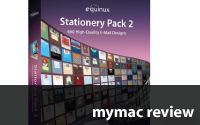
Back in January I reviewed Equinux’s Stationery Pack software which adds over 100 stationery templates to Apple’s Mail program. Well, Equinux has recently released Stationery Pack 2, and if you are hooked on stationery in your email, and Stationery Pack 1 is not enough for you, Stationery Pack 2 might be worth checking out.

One of the upgrades that I looked most forward to for my business was Apple’s new Mail Stationery feature. I’ve always wanted a way to send graphic emails as opposed to simple text-based letters. I’ve tried using various programs – both web-based and 3rd party applications, but all of them were too time consuming for simply creating a few graphic personal or business letters that I wanted to do right within my Mail application.

Many Macspirations ago I wrote about alternatives to using Safari for surfing the web. In this Macspiration I’m going to discuss some alternative email programs you might want to try. All of these programs have their differences. Some are free, some are shareware.
Read More